

Client portals
A place for customers to return to an agreed task, such as submitting details, checking a request, or exchanging project documents.
When the same information keeps moving between spreadsheets, inboxes, and separate apps, the whole workflow deserves a closer look. WebOrbit is based in Clearwater and serves Tampa Bay businesses with custom software, client portals, and connections between the tools their teams use.
Describe one repeated task: who starts it, which information they need, what decisions happen, and how the team knows it is complete. An existing product, a connection between systems, or a custom application may each be the right answer.
| Approach | When it is worth considering |
|---|---|
| Configure an existing tool | Its workflow already fits the business, the team can operate it, and its limits and recurring fees are acceptable. |
| Connect existing systems | The tools work individually, but people repeatedly copy information between them. Available interfaces and account permissions determine what can connect. |
| Build a custom application | The workflow, user roles, or business rules are specific enough that adapting separate tools creates persistent workarounds. |
A place for customers to return to an agreed task, such as submitting details, checking a request, or exchanging project documents.
Tools for the team to review requests, assign work, update statuses, and find the information needed for the next action.
Connections to existing booking, payment, messaging, or business services when their interfaces and permissions support the required workflow.
Shared accounts and business information across a browser-based workspace and a mobile experience where the task calls for one.
These are possible project areas, not a fixed bundle. The proposal identifies the workflows, user roles, connections, and responsibilities included in your build.
For a service business, one complete first release might collect a request, give a staff member a place to review it, record the next action, and show the customer the status they need. The important question is whether that path removes a real handoff or repeated task.
Identify where information arrives, which tools hold it, and where staff have to copy, chase, or re-enter it.
Agree what customers, staff, and administrators can see and change, including who approves a request or resolves an exception.
Walk through the screens with the people who will use them before expanding into more reports, roles, or automation.
Check incomplete requests, duplicate actions, unavailable connected services, and the agreed recovery or manual follow-up.
Our public work includes the St. Verena Resources Ministry directory, which helps people find services, jobs, and learning resources, and The Demian Megalla Agency website, which connects coverage information with quote requests and appointments. These are concrete starting points for discussing discovery, structured information, and the handoff to a team.
A custom workspace becomes part of daily operations. The people handling requests, onboarding staff, managing access, and responding to problems need to be considered alongside the customer-facing screens.
Review the people, existing tools, required connections, and the business problem the software should address.
Set the included roles, screens, rules, acceptance checks, costs, and review responsibilities in the proposal.
Review the complete customer and team paths, including permissions, errors, and the supported connected services.
Confirm authorized accounts, operating instructions, migration or launch steps, and how fixes and future changes will be handled.
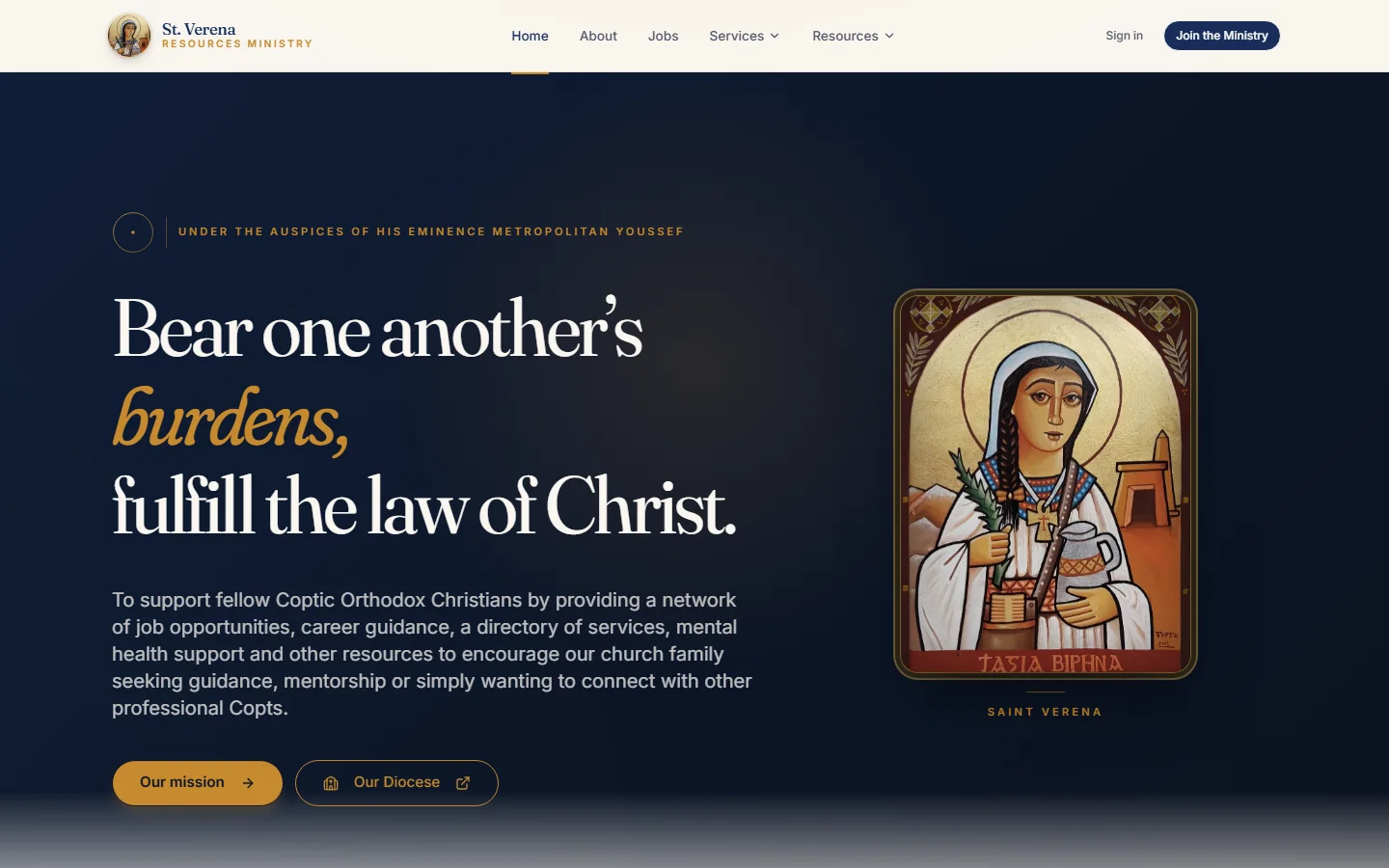
A searchable directory that makes services, jobs, and learning resources easier to discover.
Read the public summary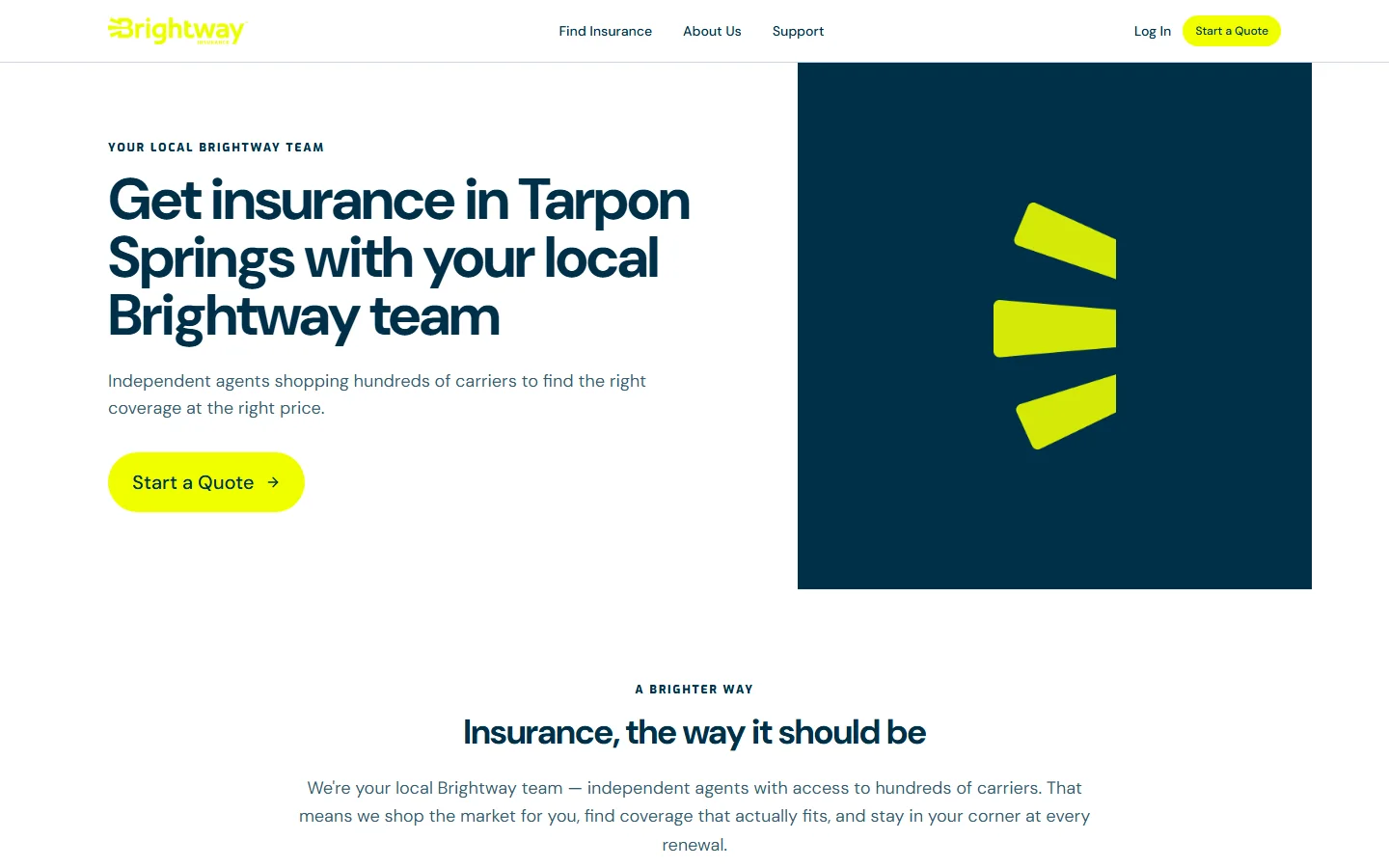
The DM Agency serves its local community as an independent insurance agency. WebOrbit built a branded website and custom operations platform that connects the customer journey with the work behind it: quote requests, appointments, customer records, policies, renewals, commission review, and team reporting. The result is one connected workspace shaped around how the agency works.
Read the client storyYes. WebOrbit is based in Clearwater and works with businesses across Tampa Bay and the US. We start with the workflow, users, existing systems, and the outcome needed before defining a custom software project.
An internal business application or client portal supports a particular business and its users. A SaaS product is usually operated as a service for multiple customers. They can share technical needs, but the audience, account model, billing, and operating responsibilities should be scoped separately.
We can assess existing tools before proposing replacements. A connection depends on the provider's available interfaces, permissions, subscription level, and the information that can be read or changed. Agreed connections and their ongoing costs belong in the proposal.
The main factors include user roles, business rules, screens, data migration, integrations, testing, and the support needed after release. Bring examples of the current workflow and the people involved so we can define a useful first phase and a project-specific estimate.
Start with the business problem. We can discuss the right scope together.