

Choose a time
A defined service, known duration, and availability that can be shown to the customer.
Customers need to understand the service before they choose a time or send a request. WebOrbit builds booking and inquiry experiences that connect that decision to the way your team schedules work.
Some services have a defined duration and can be booked from available times. Others need a quote, a consultation, or a review of the request before confirming anything. The website should make that difference clear.
We help map the service information, questions, and scheduling rules around the real process. The aim is to make the customer's next step easier without promising an appointment your team cannot deliver.
A defined service, known duration, and availability that can be shown to the customer.
An inquiry with the details your team needs before approving a date, scope, or price.
These decisions belong in the scope. A website can connect to a scheduling service or use a more specific booking flow, depending on the available tools and the business rules.
Show useful service details, expectations, and the correct booking or inquiry action.
Collect the details needed for the service and make the confirmation state clear.
Connect the agreed calendar, confirmation messages, and team workflow.
Review unavailable times, different devices, and the agreed rescheduling or cancellation paths.
Decide how a request becomes a confirmed appointment, who can change it, and how the customer hears back. A clear staff process matters as much as the booking screen.
If you already use a calendar or booking tool, we can assess a connection before proposing a replacement. Provider permissions, account settings, and supported workflows affect what can be integrated.
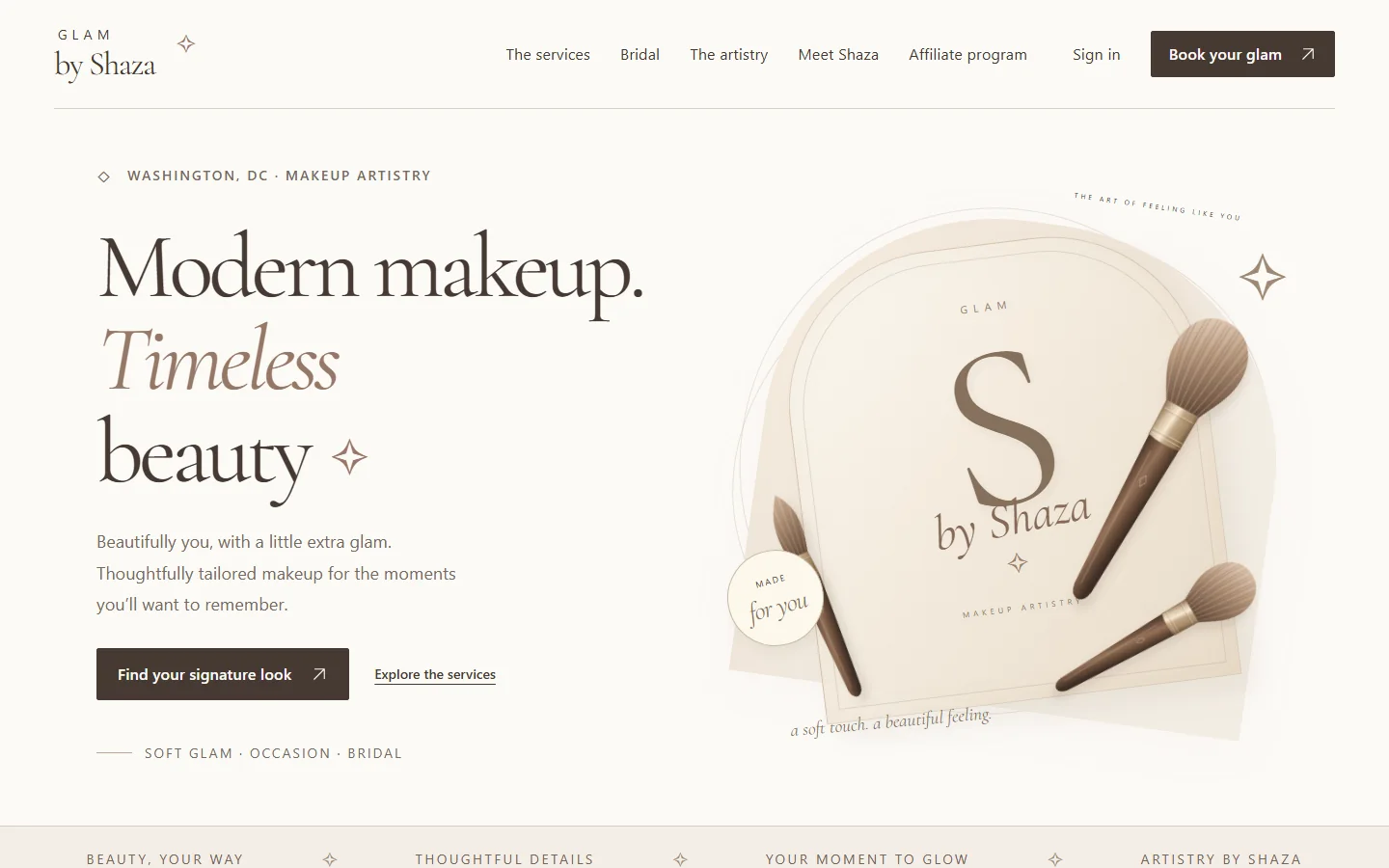
A branded booking website and iOS companion app, with tools that help the team stay organized.
Read the public summary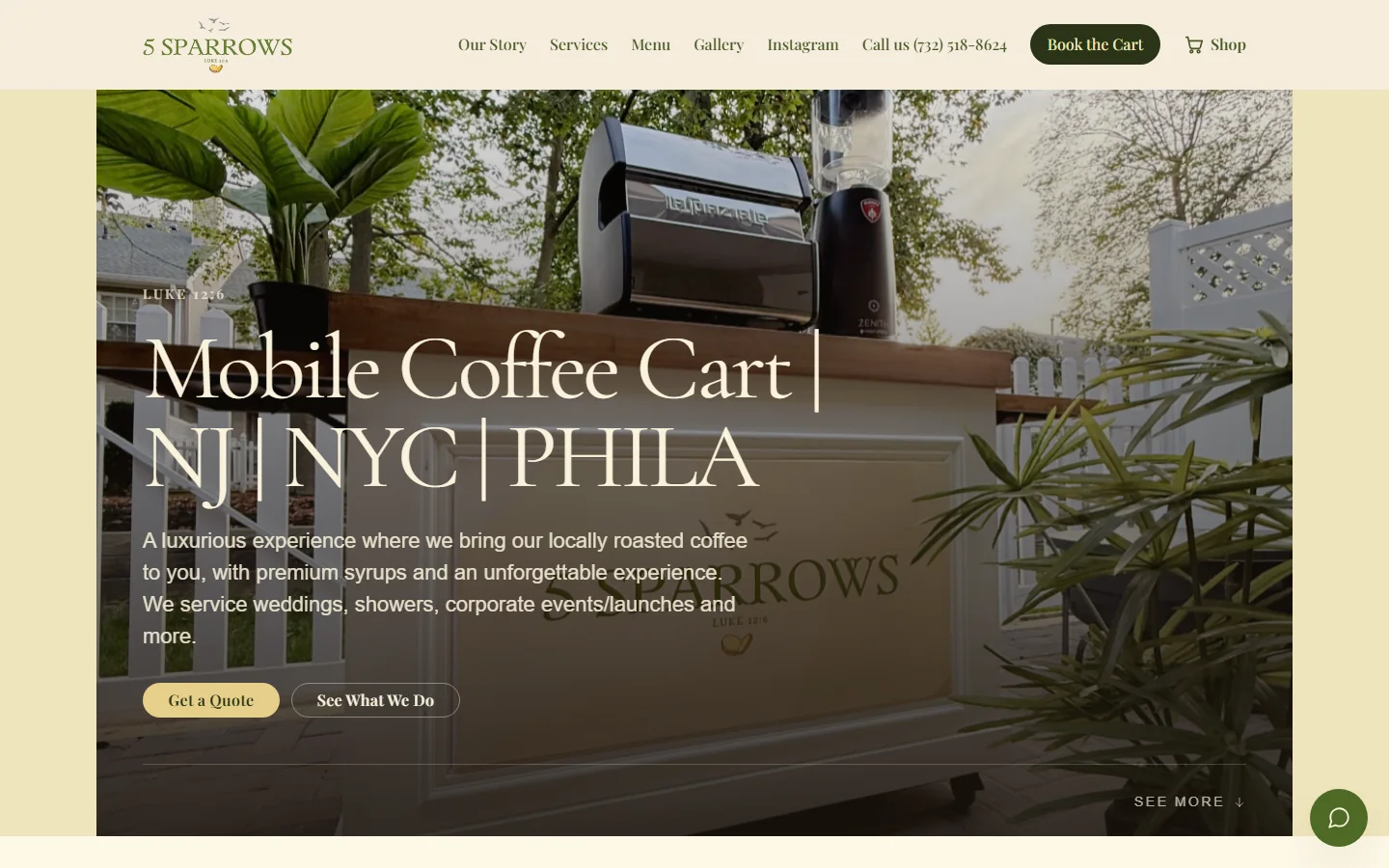
A welcoming site for menus, events, booking inquiries, and quick questions.
Read the public summaryPossibly. We review the provider, account permissions, and the workflow it supports. An existing tool may be a good fit, but the specific connection needs to be assessed before it is included in the project.
Yes. A request flow can collect service details and preferred dates for your team to review. The site should clearly distinguish a request from a confirmed appointment.
A payment step can be part of the agreed booking flow. We need to clarify when payment happens, what confirms the booking, which provider is used, and how changes are handled.
Start with the business problem. We can discuss the right scope together.